Sang Shekanan
One account. Four platforms.

Download Sang Shekanan

Choose your platform. Your next connection starts here.

Windows

A pro connection for your desktop. Install it with the setup wizard, or run one portable file.

v0.2.124 beta~129 MB
EXEWindows installer64-bitEXEPortable version64-bit

Windows 10/11 · 64-bit · English and Persian

Setup notes
  • Open the installer and follow the steps; you can install for yourself or for all users. The app updates itself afterwards.
  • Windows asks for administrator consent when the virtual network adapter is created.
  • This version is not code-signed yet, so SmartScreen may show a warning (choose “More info”, then “Run anyway”). Check this website’s address and, if you like, compare the file’s SHA-256 with the values below.
  • Installer SHA-256: 265fac635231d40a830fd16b580b0f18bcedee8c31b5b61fdbef2c4ce8b796c2
  • Portable SHA-256: 000a4920789ea59c7e61c0e41949bbbcbfec4722c0e8b4f6fd7f8884651acd25
Android

Your connection, in your pocket. The ARM64 build fits most modern phones.

v0.11.108 beta~94 MB
APKDownload for AndroidARM64

Android 9+ · ARM64 · APK

Existing main-app users can update directly. Keep the app installed to preserve your settings.

Other architectures ARMv732-bit phones · Android 9+ x86_64Emulators · Android 9+
Installation notes
  • After downloading the APK, allow “install unknown apps” for your browser or file manager.
  • For the strongest kill switch, turn on Always-on VPN and Block connections without VPN in Android settings.

Linux

Your connection on the Linux desktop. Choose the package for your distribution.

v0.1.33x86_64
Installation and compatibility
  • Debian 12+, Ubuntu 22.04+, current Fedora, openSUSE and Arch. Use your distribution’s package manager to install dependencies.
  • sudo apt install ./Sang-Shekanan-0.1.33-linux-amd64.deb
  • sudo dnf install ./Sang-Shekanan-0.1.33-linux-x86_64.rpm
  • sudo pacman -U ./Sang-Shekanan-0.1.33-linux-x86_64.pkg.tar.zst
  • Requires a graphical desktop, polkit authentication agent, unlocked GNOME or KDE keyring, TUN and nftables. Run the app as your normal user.
  • The portable archive does not install dependencies. ARM, 32-bit Linux and musl systems such as Alpine are unsupported. These downloads cannot guarantee compatibility with every Linux distribution.
  • Closing the window exits the app and VPN; minimize to stay connected. Install updates manually.
  • SHA-256 checksums · Source code and build instructions

macOS

The Sang Shekanan desktop app for Apple Silicon and Intel Macs, with English and Persian layouts.

v0.1.30Beta
DMGApple Silicon betaARM64 ZIPApple Silicon ZIPARM64 DMGIntel Macx64 ZIPIntel ZIPx64

macOS 13+ · The Apple Silicon build is cross-built and has not been tested on an ARM Mac.

SHA-256 checksums

Corresponding source (GPL)

Installing this unsigned preview

Open the DMG and drag Sang Shekanan to Applications. This preview is not Developer ID signed or notarized by Apple. macOS may block it on first launch. Review Apple's guidance before deciding whether to allow it in System Settings → Privacy & Security. No Apple Account is needed to download this app.

Apple's app security guidance

The apps are updated regularly. Download the apps only from this website.

A look inside

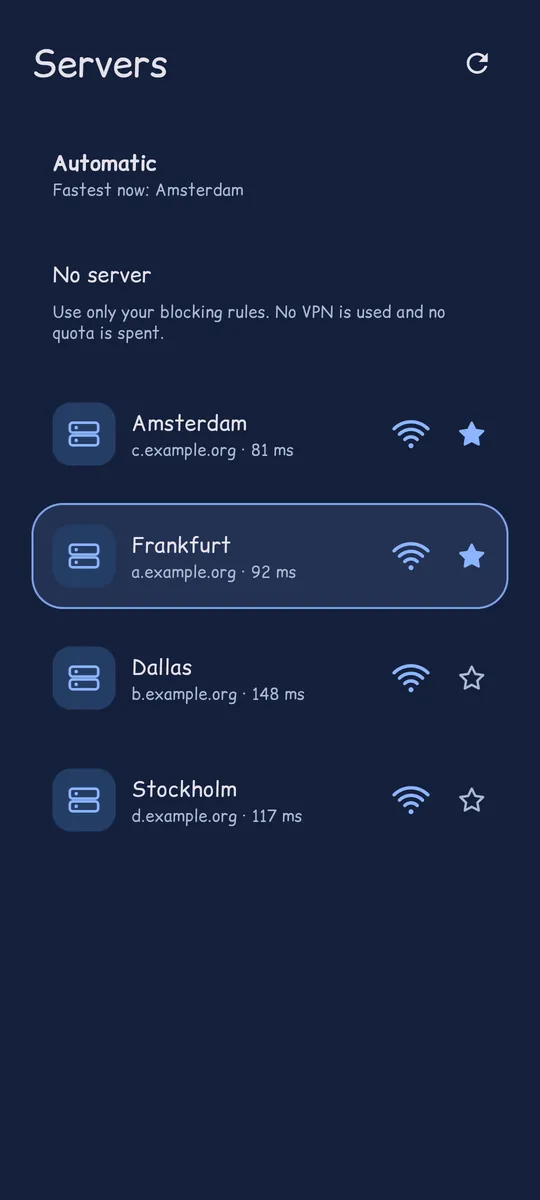
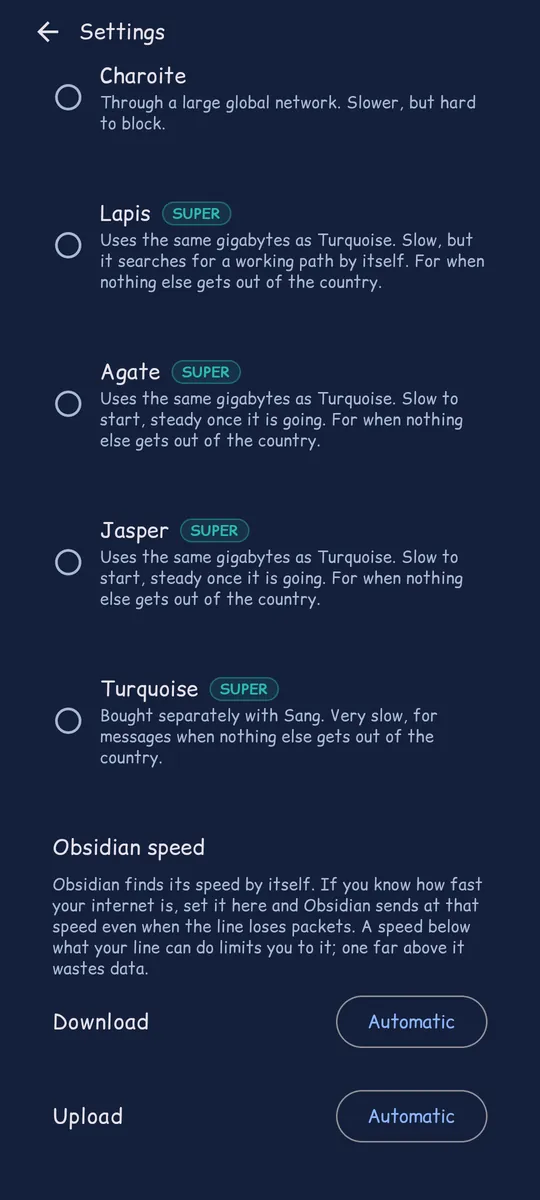
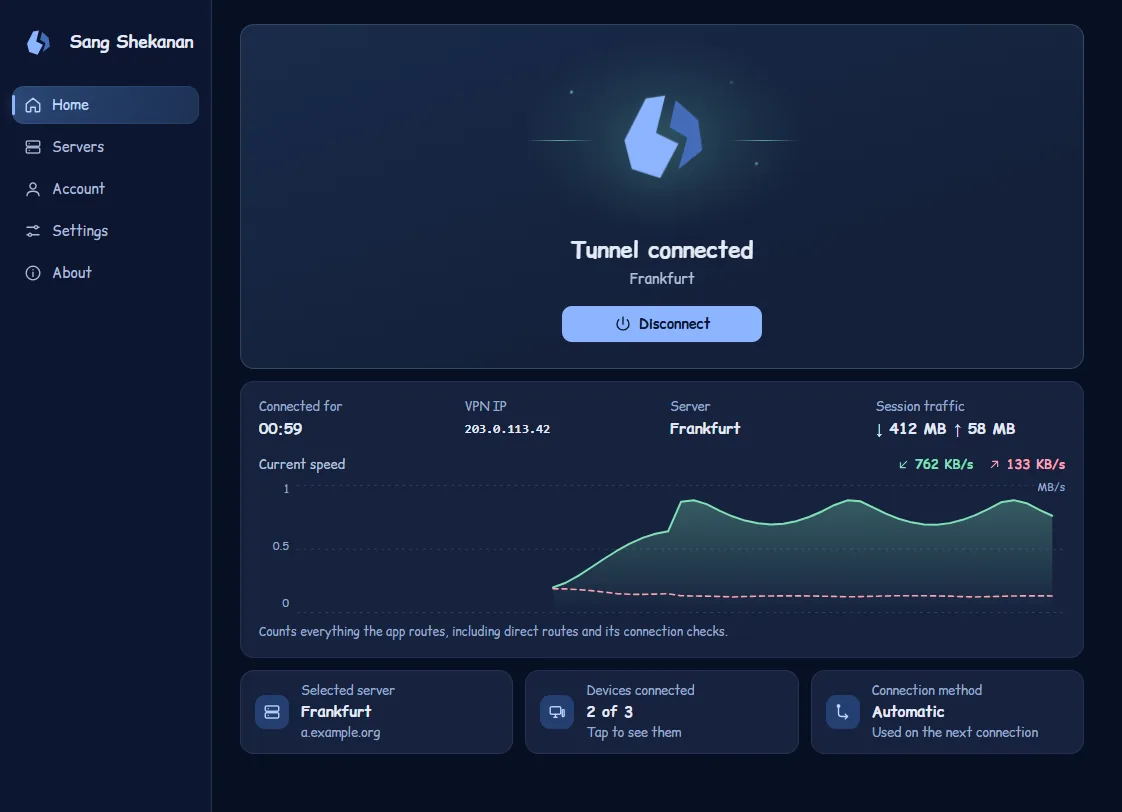
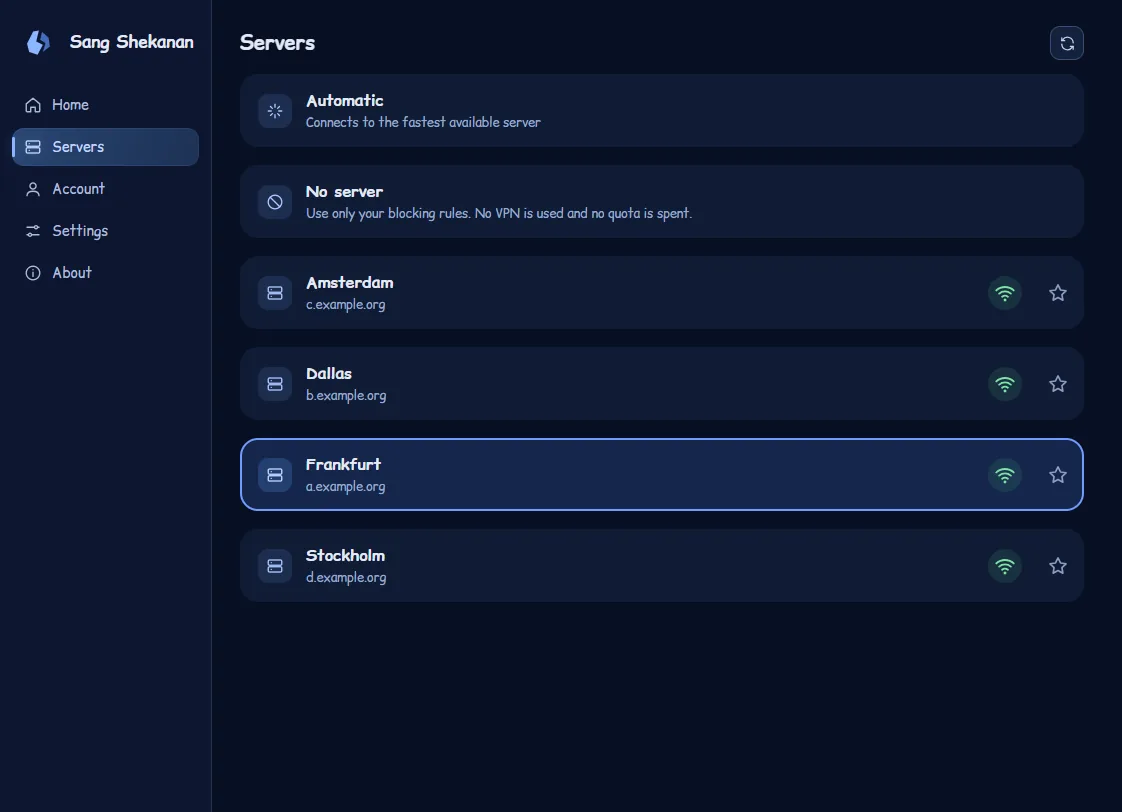
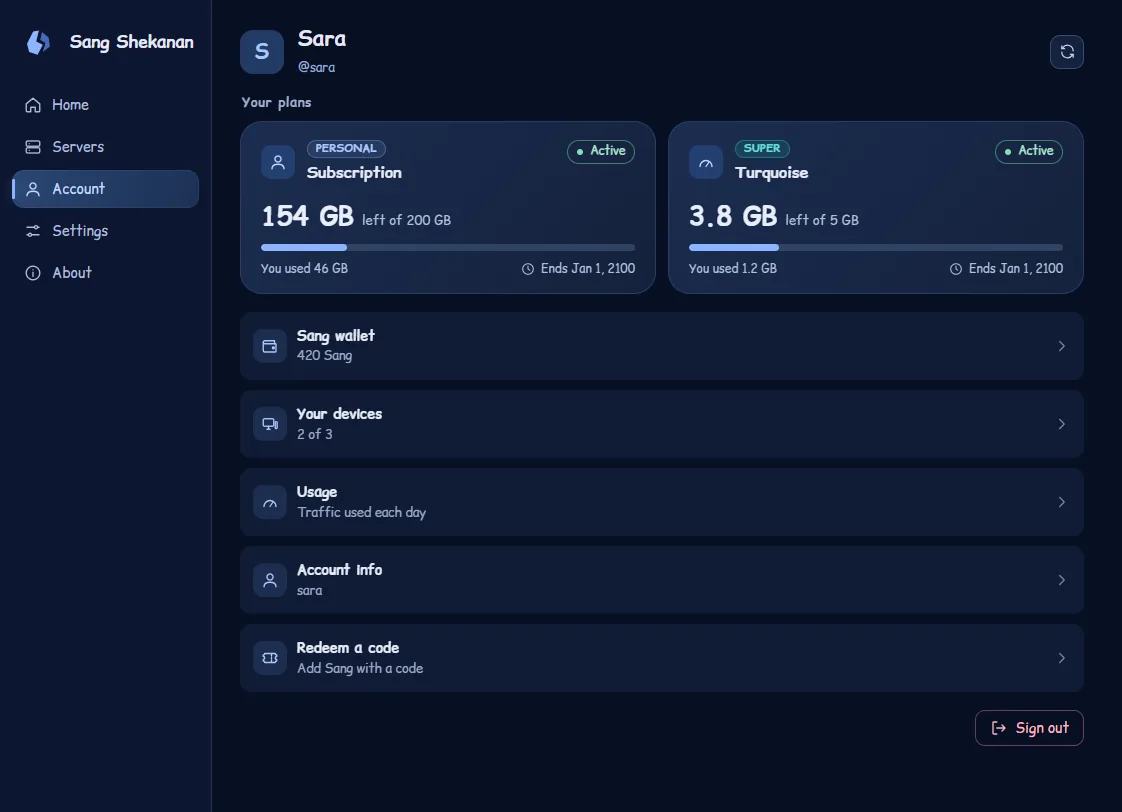
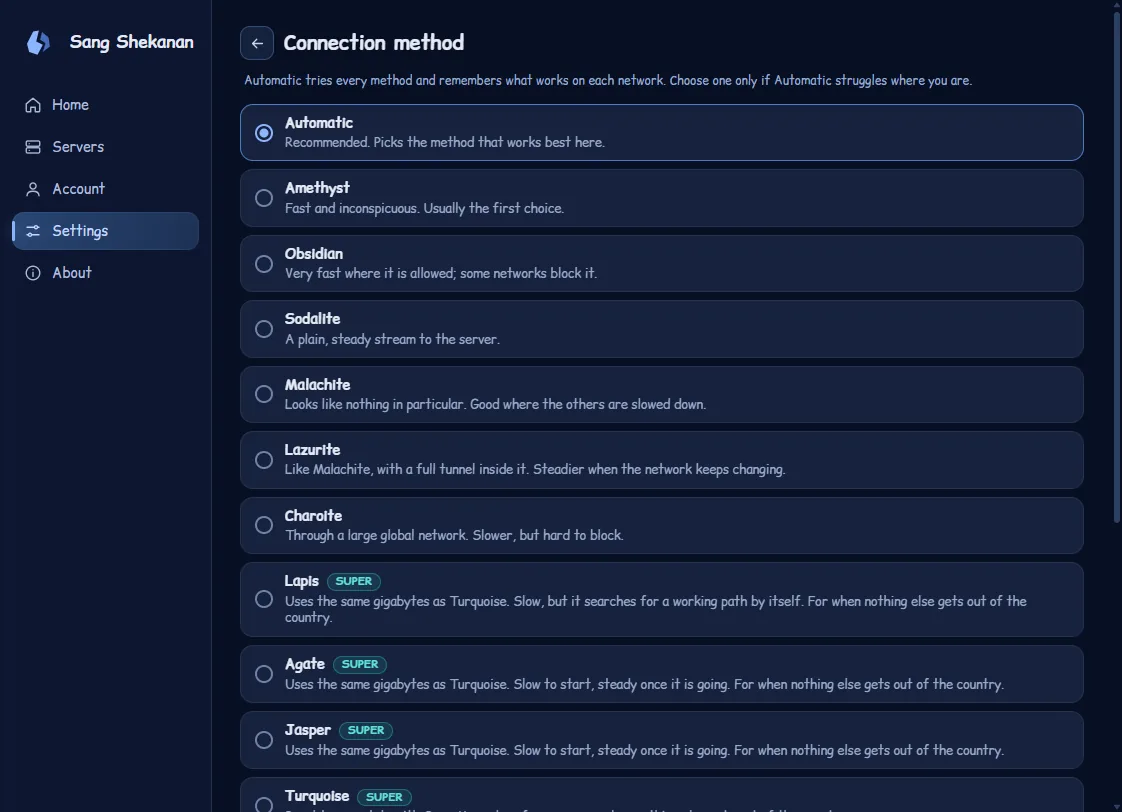
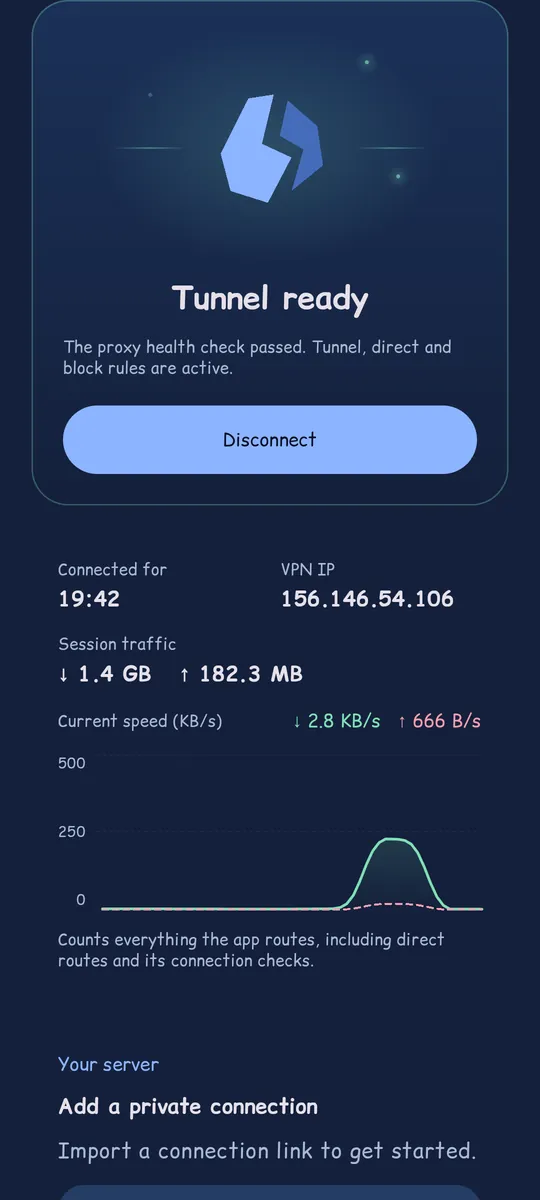
Android first, then Windows; Linux looks like Windows. Swipe to see more.

Home: connect with one tap
Servers: pick one, star your favourites
Connection method: choose a stone
Windows: live speed and session traffic
Windows: servers, with favourites
Windows: plan and add-on at a glance
Windows: connection method

Downloaded? You’re three steps away.

Open the app

Install the Android APK, Windows app or Linux package for your device.

Make it yours

Sign in or create an account with a username and password. Email is optional.

Connect like a pro

Choose a plan with available traffic, select a ready server and tap Connect.

Have a question? Visit our FAQ